123movies Downloader
123movies Downloader is an independent product not affiliated with or endorsed by 123movies or any subsidiaries or affiliates. All trademarks are property of their respective owners and use of them does not imply affiliation or endorsement.
About
123movies Downloader is a purpose-built Chrome extension that tracks down the hidden HLS streams powering 123movies mirrors and turns them into clean MP4 files. It recognises the moment a video starts playing, captures the source, and keeps quality identical to what you see online so buffering and pop-ups never ruin the copy you save. Downloads run in resilient chunks with automatic retries, making two-hour films as reliable as quick clips. A clear status bar walks through scanning, fetching, and merging so you always know whether the stream is still downloading or already processing the final MP4. Activation is handled with a simple email and lifetime licence key. After unlocking, just open a mirror, press play, and click Process Stream to watch the extension assemble a finished MP4 directly in your browser’s downloads folder without touching external servers. Keep the tab open while it works, remember that DRM-protected platforms stay off limits, and consider a dedicated browser profile if you prefer running high-permission extensions in their own space.
Features
- Automatic detection of 123movies HLS streams across changing mirror domains
- Chunk-based downloading with smart retries to finish full-length movies
- Lossless MP4 assembly that never re-encodes or downgrades quality
- Real-time status updates that show scan, download, and merge progress
- Works across Chrome, Edge, Firefox, Brave, Opera, and other browsers with full extension support
- One-click Process Stream workflow for getting from playback to saved file
- Licence activation stored locally with offline verification
- Runs entirely in-browser with no ads, trackers, or external uploads
- Host permissions tuned to follow redirects and surface hidden video sources
- Recommended browser profile isolation for safer high-permission usage
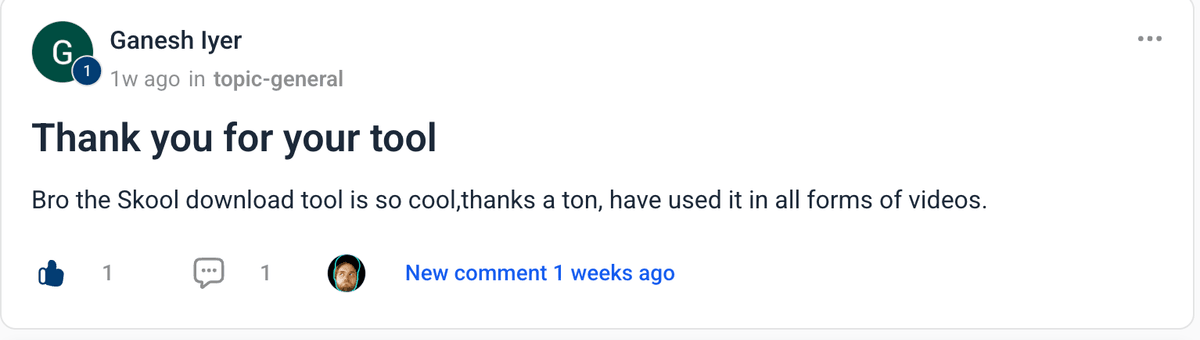
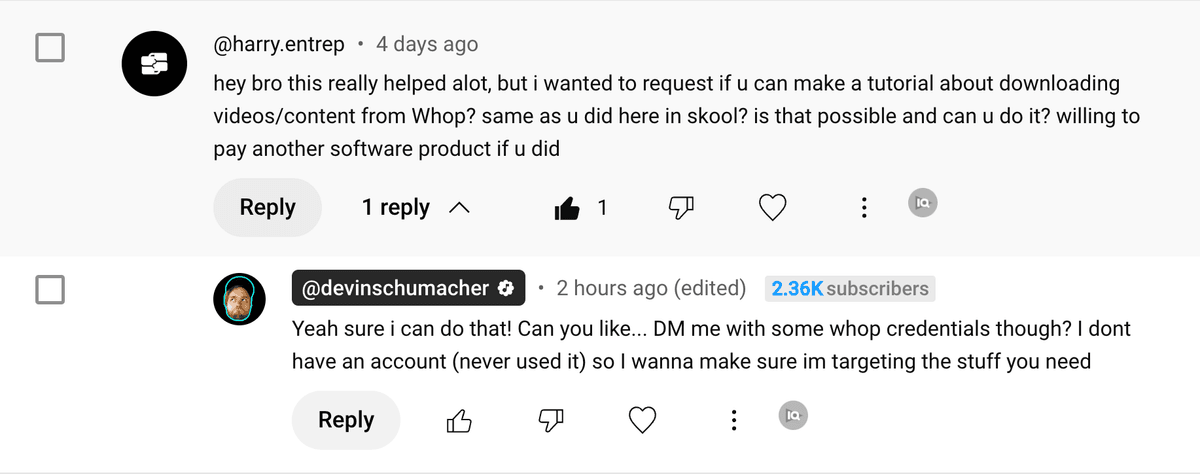
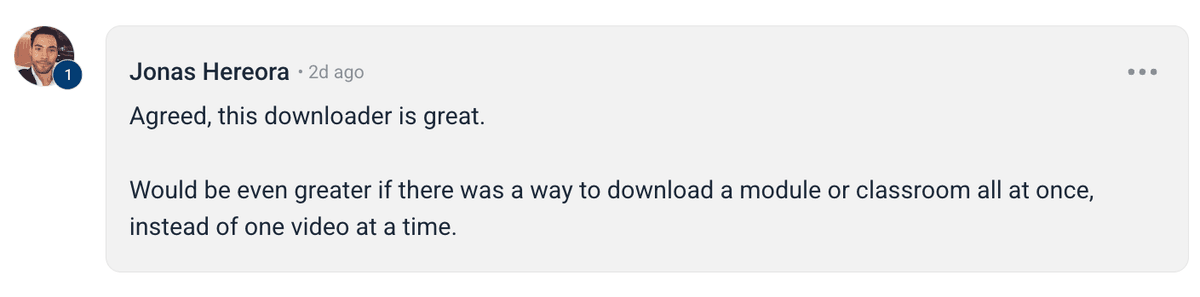
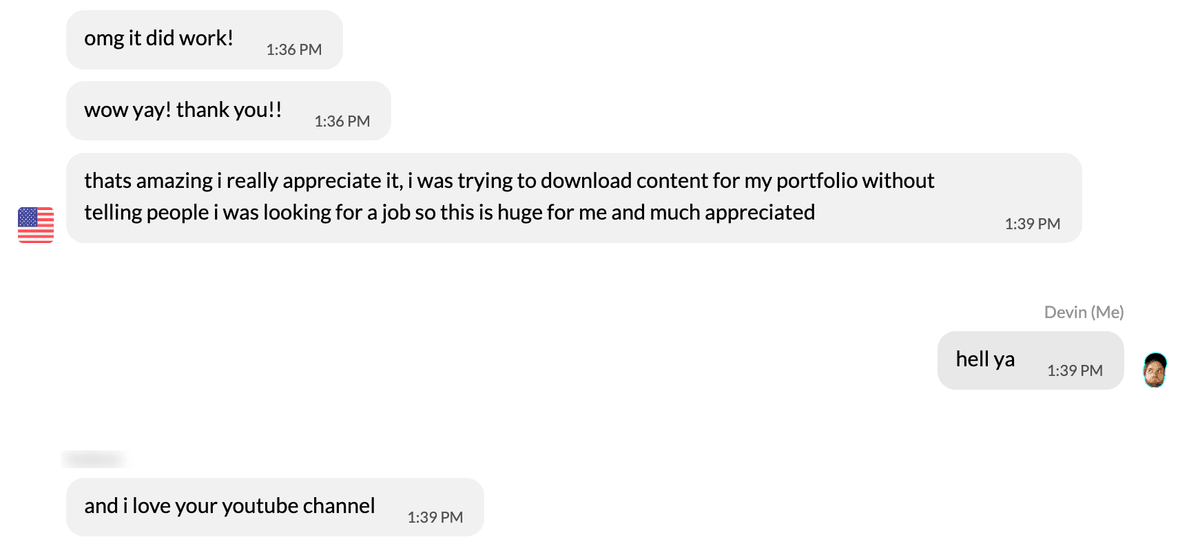
Happy users





Frequently Asked Questions
Instant Download
Get access immediately after payment
Lifetime Updates
All future updates included at no extra cost
Premium Support
Get help when you need it







123movies Downloader
Lifetime updates keep pace with new 123movies mirror domains
Faster than manual tools like ffmpeg or screen recording workflows
Saves perfect MP4 copies for flights, edits, and offline archives
123movies Downloader is an independent product not affiliated with or endorsed by 123movies or any subsidiaries or affiliates. All trademarks are property of their respective owners and use of them does not imply affiliation or endorsement.
Nice to meet ya 👋

Devin is the founder of SERP, entrepreneur, 21st century quomodocunquizer and widely regarded as the world's best SEO & grumpy cat impersonator. He got his start in SEO, building an agency to 20+ employees, 100s of clients & helped 1,000s of business owners across 217+ different industries generate over 200MM+ dollars of new revenue with digital marketing.

Brian is a fullstack engineer and indiehacker with a passion for building end-to-end solutions and shipping products that matter. Whether it's crafting tech solutions or hustling on side projects, he's always building something new.
Permissions
Posts
How to Download Onlyfans Profile's Videos & Images for FREE (yt-dlp tutorial)
Download OnlyFans profile videos and images using yt-dlp by capturing the MP4 media URL from DevTools; simple step-by-step workflow and examples.
How to Download Circle.so Videos for Free (HLS m3u8 Streams) - using yt-dlp
Step-by-step guide to download Circle.so HLS m3u8 videos with yt-dlp, auto-naming, ffmpeg optimization, and troubleshooting tips.
How to Download Coursera Videos for FREE (yt-dlp tutorial)
Step-by-step guide to download Coursera videos using yt-dlp by extracting MP4 or HLS/DASH stream URLs from the Network tab in DevTools.