S
SERP

Roadmap
Resources
  • Videos
  • Blog
  • Categories
Support
  • Help Center
  • Status
Legal
  • Terms
  • DMCA
  • Refund Policy
  • Privacy

BRANDS

SERP ToolsSERP ExtensionsSERP AppsSERP AISERPSERP Directories

© SERP

Legal
TermsDMCARefund PolicyPrivacy
SERP Apps
123movies Downloader123rf DownloaderAdobe Stock DownloaderAI Audio & Video Transcription GeneratorAI Bulk Image GeneratorAI Voice Cloner AppAlamy DownloaderAll SERP Video DownloadersAlpha Porno Video DownloaderAmazon Video DownloaderAnyPorn DownloaderAnySex DownloaderArtStation DownloaderAShemaleTube DownloaderAudiomack DownloaderBandcamp DownloaderBBC DownloaderBeatport DownloaderBeeg Video DownloaderBehance DownloaderBilibili DownloaderBitChute DownloaderBongacams DownloaderBoyfriendTV DownloaderBrightcove Video DownloaderCamsoda DownloaderCanva DownloaderCDA DownloaderChaturbate DownloaderCircle DownloaderClientclub DownloaderCoomer DownloaderCoursera DownloaderDailymotion DownloaderDASH Stream DownloaderDeezer DownloaderDemo Payment AdapterDemo Payment Adapter (PayPal)Demo Payment Adapter (Secondary Account)Depositphotos DownloaderDeviantart DownloaderDreamstime DownloaderDropbox DownloaderedX DownloaderEinthusan DownloaderEporner Video DownloaderErome DownloaderErothots DownloaderFacebook Downloader
Fandom DownloaderFansly DownloaderFlickr DownloaderFreepik DownloaderFreesound DownloaderFutureLearn DownloaderGetty Images DownloaderGiphy DownloaderGohighlevel DownloaderGokollab DownloaderHanime DownloaderHClips DownloaderHDsex DownloaderHDZog DownloaderHentaiHaven DownloaderHLS DownloaderHotstar DownloaderHulu DownloaderImageFap DownloaderIndaVideo DownloaderInstagram DownloaderInternet Archive DownloaderIstock DownloaderiStockphoto DownloaderIwara DownloaderJAVHD DownloaderJAVHub DownloaderJustforfans DownloaderJW Player Video DownloaderKajabi Video DownloaderKhan Academy DownloaderKick Clip DownloaderKompoz DownloaderLearndash DownloaderLearnworlds DownloaderLinkedin Learning DownloaderLivejasmin DownloaderLoom Video DownloaderLuxureTV DownloaderM3u8 DownloaderManyVids DownloaderMastodon DownloaderMediaFire DownloaderMindvalley DownloaderMixcloud DownloaderMoodle DownloaderMotherless DownloaderMP3 DownloaderMP4 Downloader
Myfreecams DownloaderNaver DownloaderNetflix DownloaderNHentai DownloaderNicovideo DownloaderOnlyfans DownloaderOpen Video DownloaderOpenload DownloaderPatreon DownloaderPdf DownloaderPerfectGirls DownloaderPexels Video DownloaderPinterest DownloaderPixabay DownloaderPluralsight DownloaderPlurk DownloaderPodia DownloaderPond5 DownloaderPornhub Video DownloaderPornoHub DownloaderPornoxo DownloaderPornPics DownloaderPornTrex DownloaderPornTube DownloaderPornVe DownloaderRawpixel DownloaderReddit DownloaderRedGifs DownloaderRedtube Video DownloaderRestore Closed Tabs ExtensionRule34 Video DownloaderScribd DownloaderSendvid DownloaderSERP Audio DownloaderSERP BlocksSERP Everything BundleSERP Image DownloaderSERP Subscription TrackerSERP Video DownloaderSERP Video ToolsSERP VPNShesFreaky DownloaderShutterstock DownloaderSkillshare DownloaderSkool Video DownloaderSmule DownloaderSnapchat Video DownloaderSoundcloud DownloaderSoundgasm Downloader
SpankBang Video DownloaderSprout Video DownloaderStocksy DownloaderStockvault DownloaderStoryblocks DownloaderStream DownloaderStreamable DownloaderStripchat Video DownloaderTamilGun DownloaderTeachable Video DownloaderTED Talks DownloaderTelegram Video DownloaderTerabox DownloaderThinkific DownloaderThisVid DownloaderThumbnail DownloaderTiktok DownloaderTNAFlix Video DownloaderTokyoMotion DownloaderTubi DownloaderTumblr Video DownloaderTwitch Video DownloaderTwitter DownloaderTXXX DownloaderUdemy Video DownloaderUnsplash DownloaderUpornia DownloaderVectorstock DownloaderVideoHive DownloaderVimeo Video DownloaderVk Video DownloaderVSCO DownloaderWebinarjam Video DownloaderWebtoon DownloaderWeibo DownloaderWhop Video DownloaderWistia Video DownloaderXfantazy DownloaderXhamster Video DownloaderXNXX Video DownloaderXVideos DownloaderYandex DownloaderYespornplease DownloaderYouJizz DownloaderYouku DownloaderYouporn Video DownloaderYoutube Downloader
VideosGuides
  • Help Center
  • Terms of Service
  • Refund Policy
  • DMCA Policy
GithubAccount
  1. Home/
  2. Products/
  3. SERP Video Tools
DownloaderCourse PlatformsSocial Media

SERP Video Tools

GET IT NOW

About

SERP Video Tools is a cross-browser extension that upgrades online video workflows with fast downloads, precise scrubbing, and flexible playback speed controls. It also helps you skip ads, grab transcripts and thumbnails, clip segments, and convert formats for faster research and reuse.

Features

  • Download videos from online websites and embedded players directly to your computer.
  • Adjust video playback speeds to watch faster or slower depending on your workflow.
  • Jump forward or backward in videos using precise time-based controls.
  • Skip ads on supported video players where ads are delivered within the stream.
  • Download available transcripts or captions for offline reading and analysis.
  • Save video thumbnails directly from the player for previews or documentation.
  • Convert videos into common video or audio formats while preserving quality.
  • Simple, intuitive interface that requires no technical knowledge. Download and manage videos with just a few clicks.
  • Automatically detects playable videos on a page and enables instant one-click downloads.
  • Preserves original video and audio quality whenever possible without unnecessary compression.
  • Supports multiple video and audio formats for editing, sharing, and offline use.
  • Save videos locally so you can watch, review, or analyze them without an internet connection.
  • Frame-accurate scrubbing to quickly locate exact moments in long videos.
  • Clip and download only the specific parts of a video you need using custom start and end points.
  • Runs efficiently without slowing down your browser or system.
  • Works across Chrome, Edge, Firefox, Brave, and Opera on desktop systems.
  • No caps or quotas. Download as much content as you want.
  • All processing happens locally in your browser. No video content is uploaded or stored on external servers.

Happy users

Alex T. testimonial
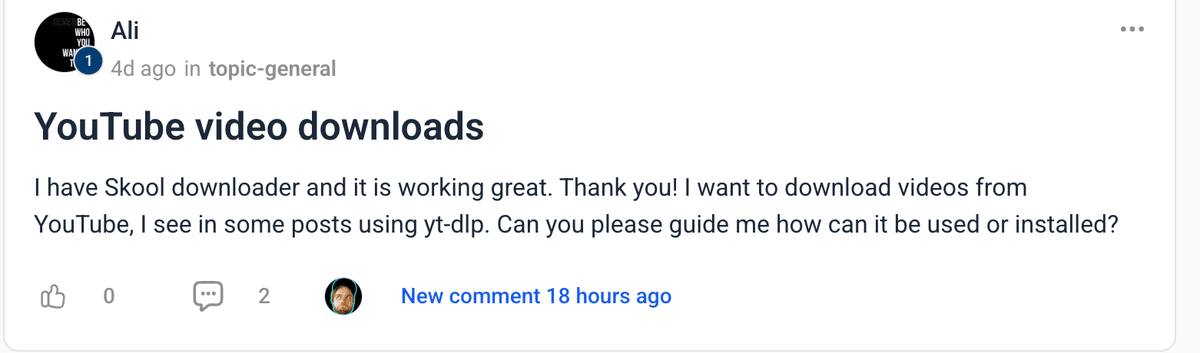
Ali testimonial
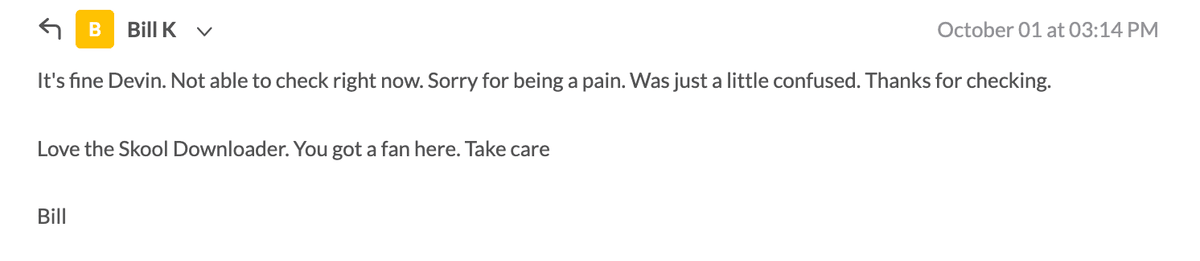
Bill K. testimonial
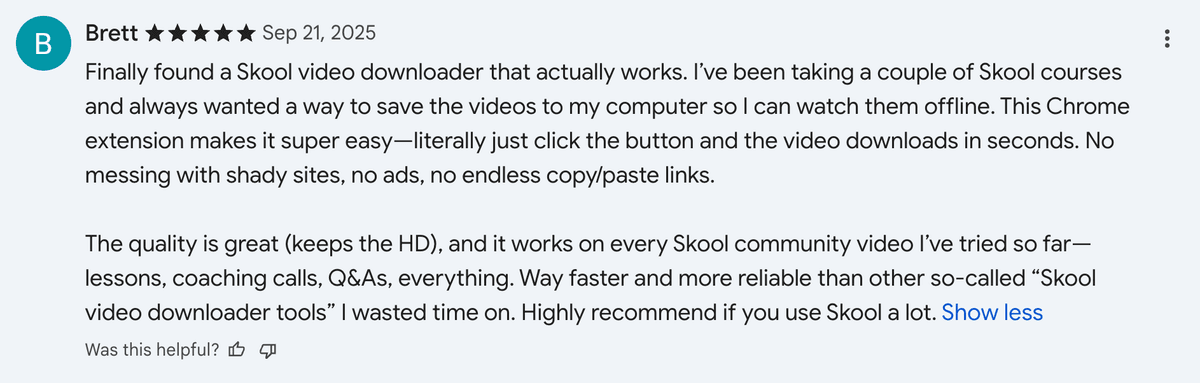
Brett testimonial
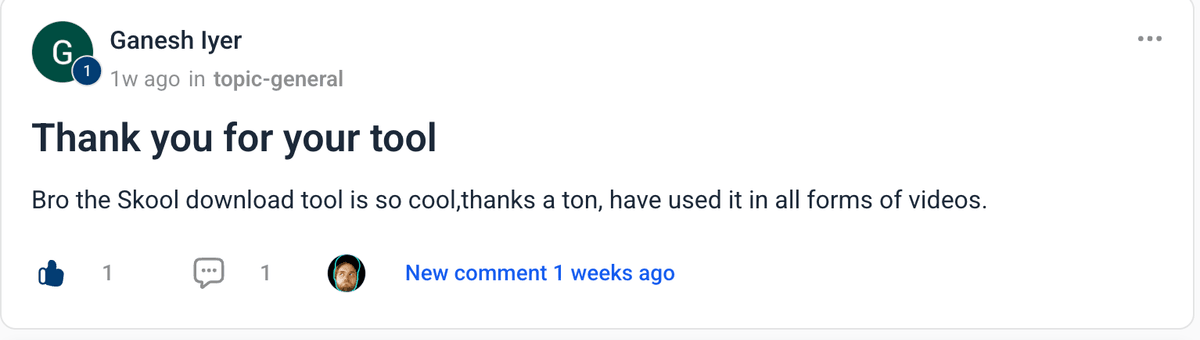
Ganesh I. testimonial
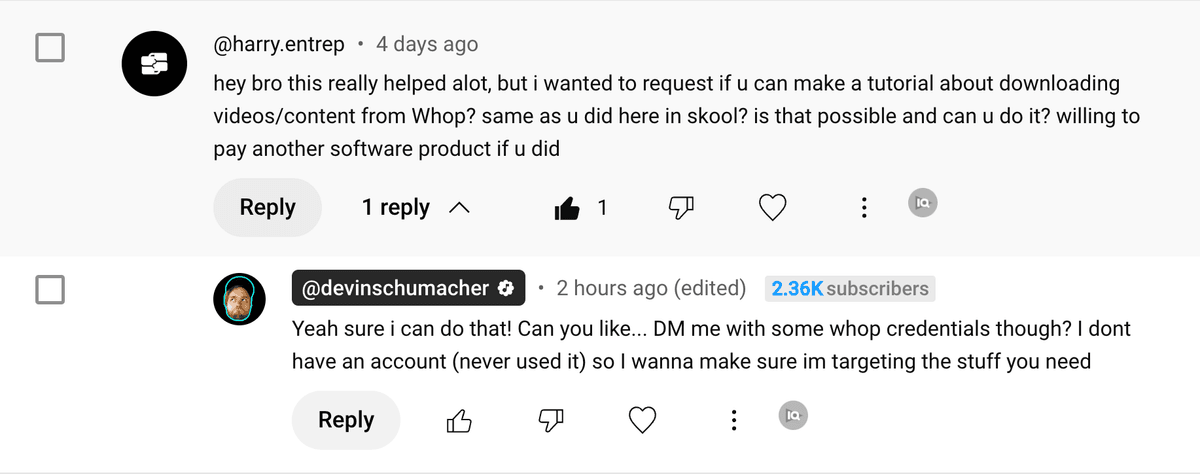
Herry E. testimonial
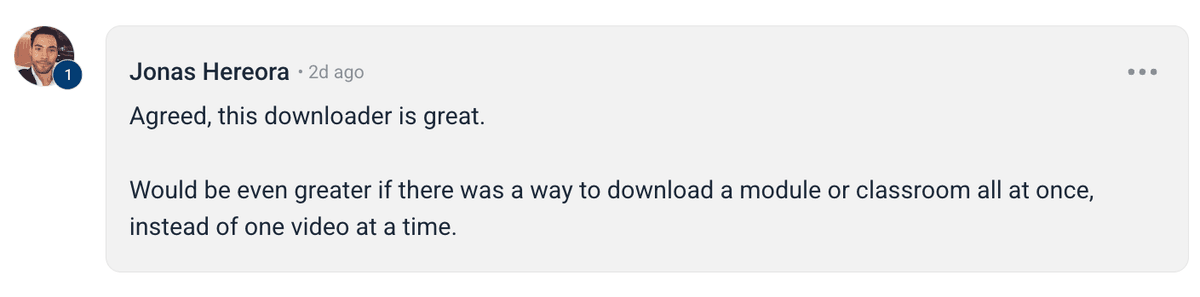
Jonas H. testimonial
K Vimeo testimonial
Marcos P. testimonial
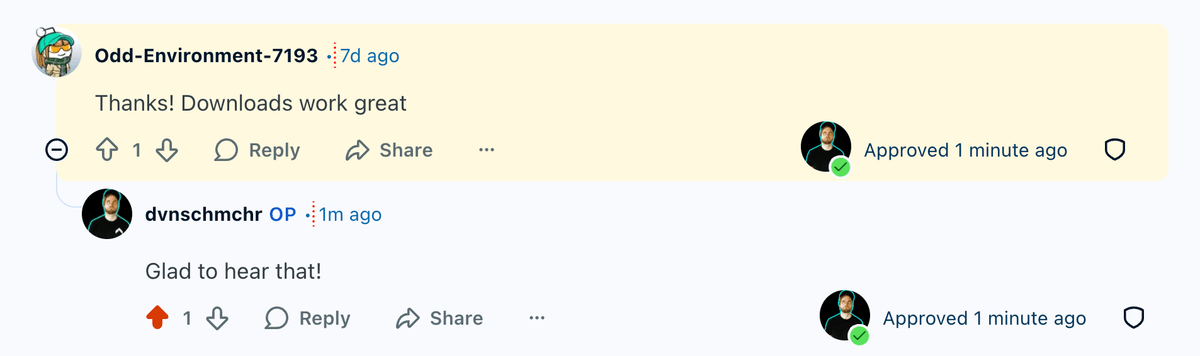
Odd E. testimonial
Outrun testimonial
Rafa S. testimonial
Rick testimonial
Todd H. testimonial
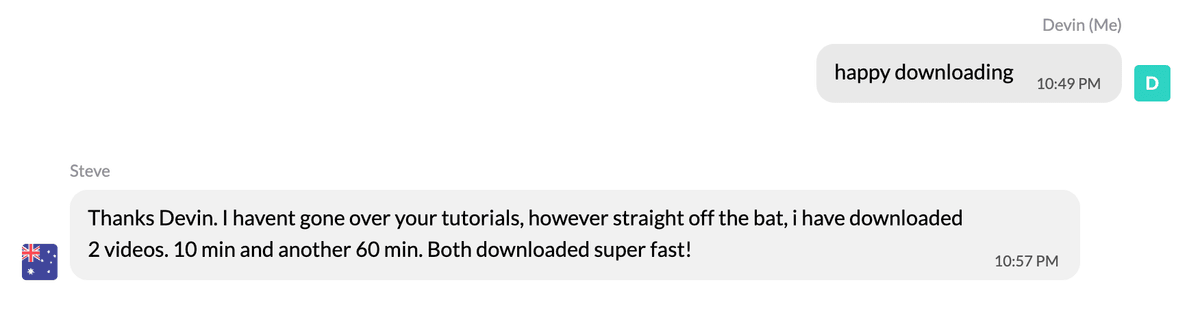
Steve testimonial
Trevor H. testimonial
Uffe PTV testimonial

Frequently Asked Questions

SERP Video Tools is a cross-browser extension designed to improve how you work with online videos. It lets you download videos, adjust playback speed, scrub precisely, skip ads, grab transcripts and thumbnails, clip specific segments, and convert formats for faster research and reuse.
It works on most common video players and platforms you encounter online, including embedded videos on blogs, landing pages, course portals, and search results. If a video plays in your browser, there’s a good chance SERP Video Tools can interact with it.
Yes. When a supported video is detected, a download option appears. You can select from available qualities or formats and save the video directly to your computer.
Currently, there is no fully free version or free trial. We may introduce a free trial in the future, but there is no official timeline yet.
No. There are no download limits. SERP Video Tools allows unlimited downloads, so you can download as much content as you need.
In most cases, no. Platforms typically do not give content owners access to download-level user data. If you want additional privacy, you can use the SERP VPN extension alongside the downloader.
No. SERP Video Tools is a browser extension and must be used on a desktop or laptop computer. Mobile browsers on phones and tablets do not support the required extension features.
You can speed videos up to skim content faster or slow them down for detailed review. Speed changes apply instantly and work together with precise scrubbing controls.
Yes. The extension adds quick-jump controls so you can move forward or backward by set time increments without dragging the timeline.
Ad skipping works on compatible players where ads are part of the video stream. Results depend on how the platform serves ads, so some ads may still appear.
If captions or transcripts are available for a video, SERP Video Tools can extract and download them for offline reading, quoting, or analysis.
Yes. You can save available thumbnails directly from the video player, which is useful for previews, documentation, or content planning.
Yes. You can set start and end points and download only the segment you need, which saves time and storage.
SERP Video Tools works on Chrome, Edge, Firefox, Brave, and Opera on Windows, macOS, and Linux desktop systems.

DISCLAIMER: We are not attorneys and do not provide legal advice. Laws and platform rules vary by country and service. Consult a qualified legal professional if you have legal questions.

General best practices include:

  1. Only download or clip content you own or have permission to use.
  2. Respect platform terms of service and reasonable usage limits.
  3. Use the tool responsibly for personal, research, or permitted professional use.

DISCLAIMER: We are not attorneys and do not offer legal advice. Laws vary by country and platform. For any legal question please consult a qualified legal professional.

We give you full control over download speeds because we believe users should decide how they use their software.

That said, here are a few widely accepted best practices for safe, responsible downloading:

  1. Only download content you created, own, or have explicit permission from the rights holder to access.
  2. Protect your personal data by respecting platform rules and rate limits with reasonable download speeds to avoid automated abuse systems putting your account at risk.
  3. Protect your privacy by using a reputable VPN for IP protection before initiating downloads — this is the VPN we recommend & use.

Instant Download

Get access immediately after payment

Lifetime Updates

All future updates included at no extra cost

Premium Support

Get help when you need it

1938+
Customer 0
Customer 1
Customer 2
Customer 3
Customer 4
Customer 5
Customer 6
+1931

SERP Video Tools

Download videos from online websites and embedded players directly to your computer.

Adjust video playback speeds to watch faster or slower depending on your workflow.

Jump forward or backward in videos using precise time-based controls.

Skip ads on supported video players where ads are delivered within the stream.

Download available transcripts or captions for offline reading and analysis.

Save video thumbnails directly from the player for previews or documentation.

Convert videos into common video or audio formats while preserving quality.

Simple, intuitive interface that requires no technical knowledge. Download and manage videos with just a few clicks.

1938+
Customer 0
Customer 1
Customer 2
Customer 3
Customer 4
Customer 5
Customer 6
+1931
Get it Now

Nice to meet ya 👋

Devin Schumacher

Devin is the founder of SERP, entrepreneur, 21st century quomodocunquizer and widely regarded as the world's best SEO & grumpy cat impersonator. He got his start in SEO, building an agency to 20+ employees, 100s of clients & helped 1,000s of business owners across 217+ different industries generate over 200MM+ dollars of new revenue with digital marketing.

Brian Farley

Brian is a fullstack engineer and indiehacker with a passion for building end-to-end solutions and shipping products that matter. Whether it's crafting tech solutions or hustling on side projects, he's always building something new.

Permissions

Saves downloaded videos as MP4 files to your downloads folder.
Stores download history, preferences, and session data locally between sessions.
Detects video players on the page you're currently viewing to inject download controls.
Manages download sessions across tab refreshes and switches.
Extracts video stream data, quality information, and authentication details from the page.
Processes and converts video streams to MP4 in the background using FFmpeg without freezing your browser.
Reads authentication cookies needed to download videos from sites that require login.
Tracks page navigation to maintain context for ongoing downloads.
Intercepts and modifies network requests to optimize video stream fetching.
Monitors network traffic to detect video streams and capture stream manifests.
Analyzes page content and detects video players like YouTube, Vimeo, Loom, and Wistia.
Manages extension lifecycle and settings during operation.
Displays download status and controls in a side panel for easy monitoring.
Allows the extension to access all websites to detect and download videos from any video player.

Links

  • SERP
  • GitHub

Posts

onlyfans
yt-dlp
mp4

How to Download Onlyfans Profile's Videos & Images for FREE (yt-dlp tutorial)

Download OnlyFans profile videos and images using yt-dlp by capturing the MP4 media URL from DevTools; simple step-by-step workflow and examples.

Devin Schumacher2025-11-07
circle.so
yt-dlp
m3u8

How to Download Circle.so Videos for Free (HLS m3u8 Streams) - using yt-dlp

Step-by-step guide to download Circle.so HLS m3u8 videos with yt-dlp, auto-naming, ffmpeg optimization, and troubleshooting tips.

Devin Schumacher2025-11-07
coursera
yt-dlp
hls

How to Download Coursera Videos for FREE (yt-dlp tutorial)

Step-by-step guide to download Coursera videos using yt-dlp by extracting MP4 or HLS/DASH stream URLs from the Network tab in DevTools.

Devin Schumacher2025-11-07