RedGifs Downloader
RedGifs Downloader is an independent product not affiliated with or endorsed by RedGifs, Vergil LLC or any subsidiaries or affiliates. All trademarks are property of their respective owners and use of them does not imply affiliation or endorsement.
About
RedGifs Downloader is a browser extension that adds a download button to RedGifs (redgifs.com) pages so you can save GIFs and short videos for offline viewing. It works on watch pages, explore/feed grids, and embedded players, with auto-detection that makes downloads a single click. Use it to protect favorites before posts are removed, build a personal library of clips, and avoid losing access when accounts are deleted or content disappears. It supports MP4 and HLS sources when available and keeps downloads consistent across RedGifs page types. The extension is privacy-friendly with no tracking or data collection, and it runs on Chrome, Firefox, Edge, Opera, and Brave across Windows, macOS, and Linux.
Features
- One-click downloads on watch pages and explore/feed grids
- Auto-detect GIFs and short videos on the page
- Floating download button overlay
- Works on watch pages, explore feeds, and embeds/iframes
- Supports MP4 and HLS sources when available
- Improved detection on single-page navigation
- Save GIFs and short videos for offline viewing any time
- Protect favorites before posts are removed
- Build a personal library of clips you can keep
- Privacy-friendly with no tracking or data collection
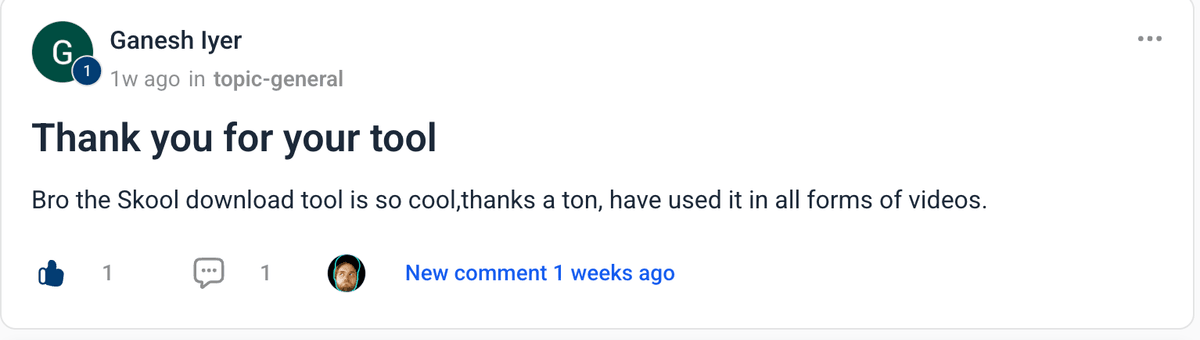
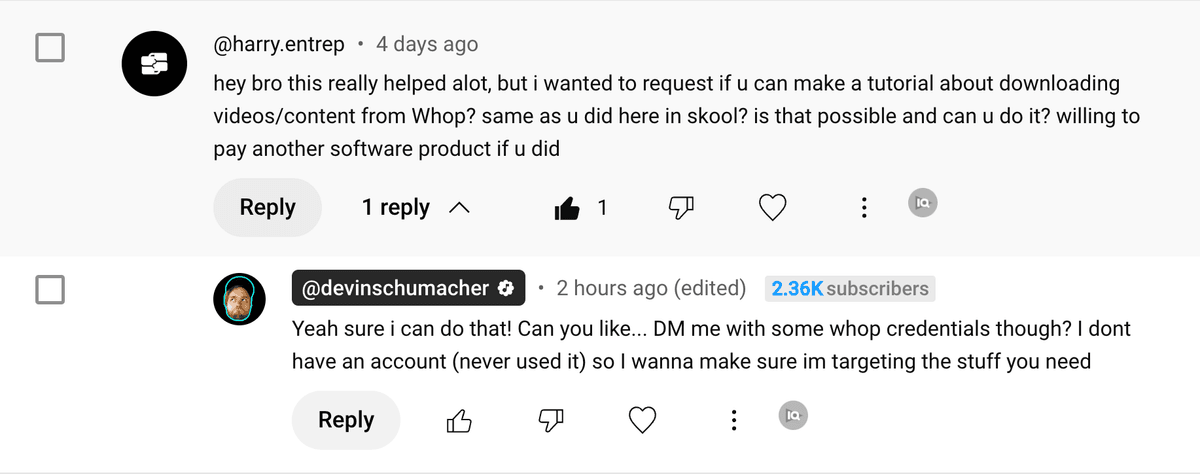
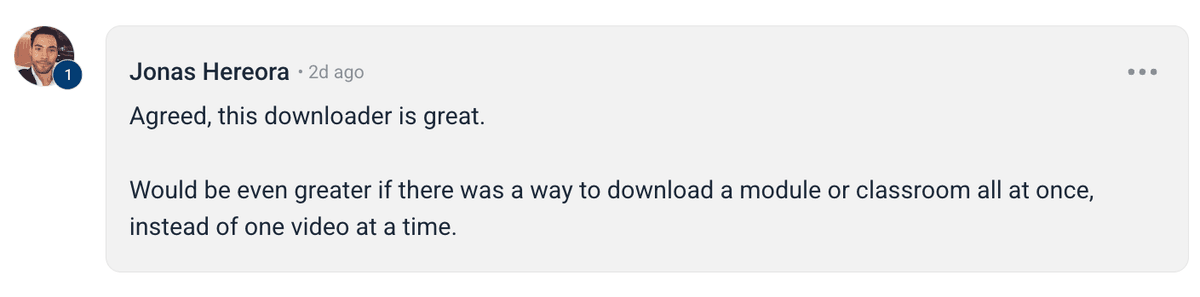
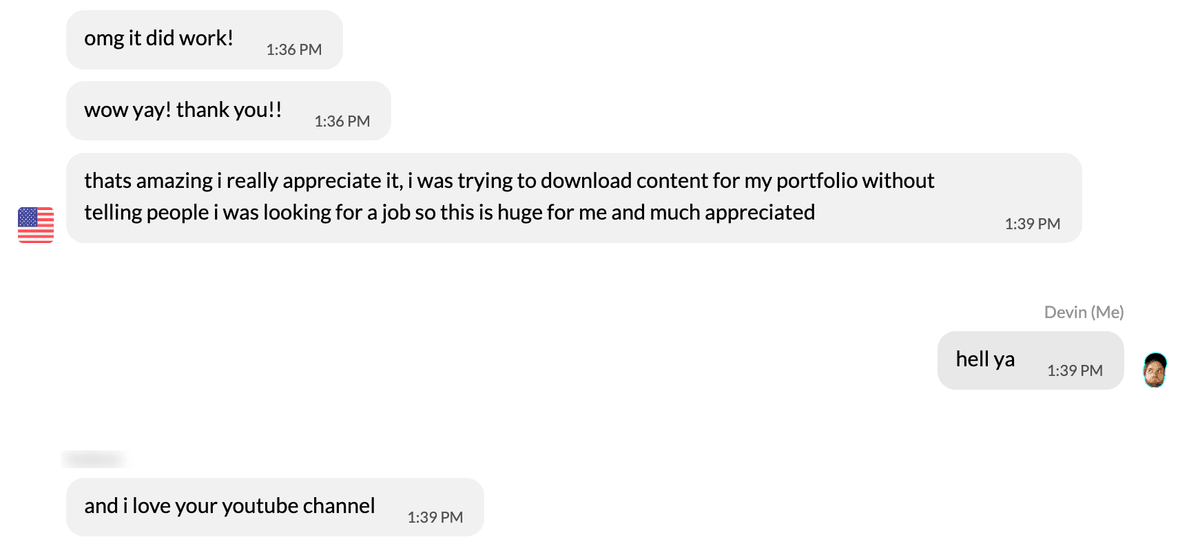
Happy users





Frequently Asked Questions
Instant Download
Get access immediately after payment
Lifetime Updates
All future updates included at no extra cost
Premium Support
Get help when you need it







RedGifs Downloader
Save GIFs and short videos for offline viewing any time
Protect favorites by downloading before posts are removed
Build a personal library of clips you can keep
Avoid losing access if accounts are deleted or content disappears
RedGifs Downloader is an independent product not affiliated with or endorsed by RedGifs, Vergil LLC or any subsidiaries or affiliates. All trademarks are property of their respective owners and use of them does not imply affiliation or endorsement.
Nice to meet ya 👋

Devin is the founder of SERP, entrepreneur, 21st century quomodocunquizer and widely regarded as the world's best SEO & grumpy cat impersonator. He got his start in SEO, building an agency to 20+ employees, 100s of clients & helped 1,000s of business owners across 217+ different industries generate over 200MM+ dollars of new revenue with digital marketing.

Brian is a fullstack engineer and indiehacker with a passion for building end-to-end solutions and shipping products that matter. Whether it's crafting tech solutions or hustling on side projects, he's always building something new.
Permissions
Posts
How to Download Onlyfans Profile's Videos & Images for FREE (yt-dlp tutorial)
Download OnlyFans profile videos and images using yt-dlp by capturing the MP4 media URL from DevTools; simple step-by-step workflow and examples.
How to Download Circle.so Videos for Free (HLS m3u8 Streams) - using yt-dlp
Step-by-step guide to download Circle.so HLS m3u8 videos with yt-dlp, auto-naming, ffmpeg optimization, and troubleshooting tips.
How to Download Coursera Videos for FREE (yt-dlp tutorial)
Step-by-step guide to download Coursera videos using yt-dlp by extracting MP4 or HLS/DASH stream URLs from the Network tab in DevTools.