About
SERP VPN Extension gives researchers, marketers, and privacy-conscious users a fast way to browse with different IPs without switching devices or fighting clunky VPN apps. Instead of juggling full desktop clients, it runs directly in your browser with predictable routing and clear connection status. Choose from multiple IP locations, switch routes in a click, and keep a live view of your connection state so you always know when traffic is protected. Use it to verify search results in different regions, keep testing accounts separate, or simply keep your personal browsing isolated from work.
Features
- Multi-IP routing with curated locations for research and QA
- One-click IP switching without restarting your browser
- Clear connected/disconnected indicators on every tab
- Connection health checks to reduce surprise disconnects
- Automatic reconnection when networks flap or change
- Optional per-site rules to keep specific domains always protected
- No-logs extension layer — designed for privacy-first workflows
- Works alongside existing desktop VPNs without conflict
- Optimized routes for search, scraping, and QA workflows
- Zero analytics beacons or invasive trackers inside the extension
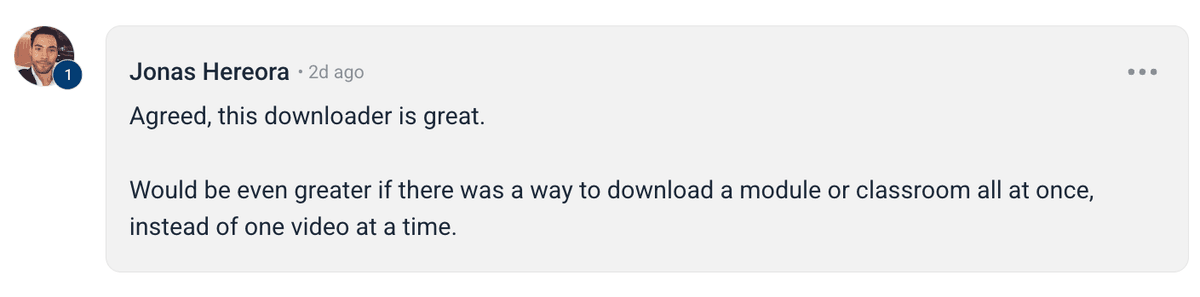
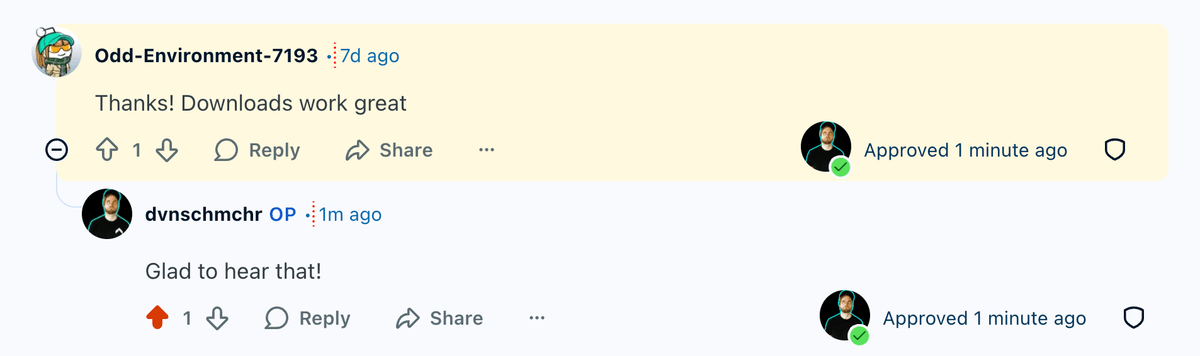
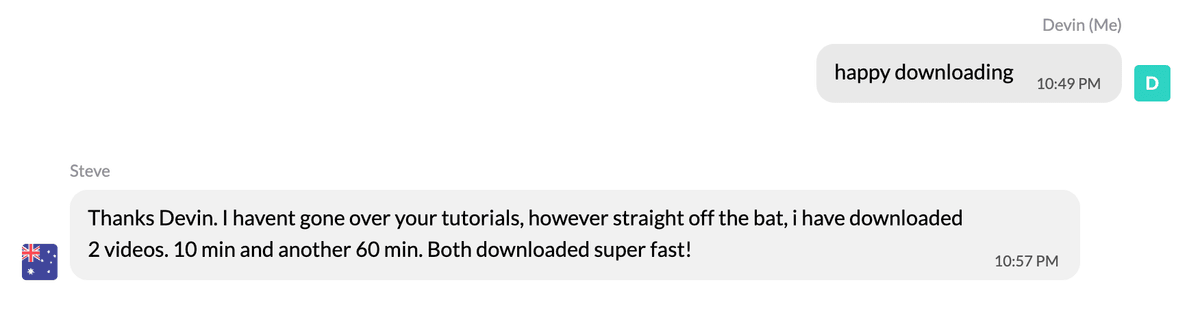
Happy users










Frequently Asked Questions
Instant Download
Get access immediately after payment
Lifetime Updates
All future updates included at no extra cost
Premium Support
Get help when you need it







SERP VPN
Switch IPs quickly without juggling full desktop VPN clients
Keep testing, research, and personal browsing cleanly separated
Rely on clear connection indicators before running sensitive workflows
Nice to meet ya 👋

Devin is the founder of SERP, entrepreneur, 21st century quomodocunquizer and widely regarded as the world's best SEO & grumpy cat impersonator. He got his start in SEO, building an agency to 20+ employees, 100s of clients & helped 1,000s of business owners across 217+ different industries generate over 200MM+ dollars of new revenue with digital marketing.

Brian is a fullstack engineer and indiehacker with a passion for building end-to-end solutions and shipping products that matter. Whether it's crafting tech solutions or hustling on side projects, he's always building something new.
Permissions
Posts
How to Download Onlyfans Profile's Videos & Images for FREE (yt-dlp tutorial)
Download OnlyFans profile videos and images using yt-dlp by capturing the MP4 media URL from DevTools; simple step-by-step workflow and examples.
How to Download Circle.so Videos for Free (HLS m3u8 Streams) - using yt-dlp
Step-by-step guide to download Circle.so HLS m3u8 videos with yt-dlp, auto-naming, ffmpeg optimization, and troubleshooting tips.
How to Download Coursera Videos for FREE (yt-dlp tutorial)
Step-by-step guide to download Coursera videos using yt-dlp by extracting MP4 or HLS/DASH stream URLs from the Network tab in DevTools.